
AI design tools like RoomsGPT and Canva AI let you upload a single room photo, then instantly generate multiple design concepts. You pick your style—whether Moroccan, beachy bohemian, or modern—and the AI creates photorealistic renderings in seconds. You’ll see side-by-side comparisons showing exactly how furniture, colors, and finishes will look in your space without spending money or moving anything. This removes the guesswork from decorating and provides a designer perspective from your phone. There’s much more to discover about how these tools work.
How AI Instantly Generates Custom Room Design Concepts
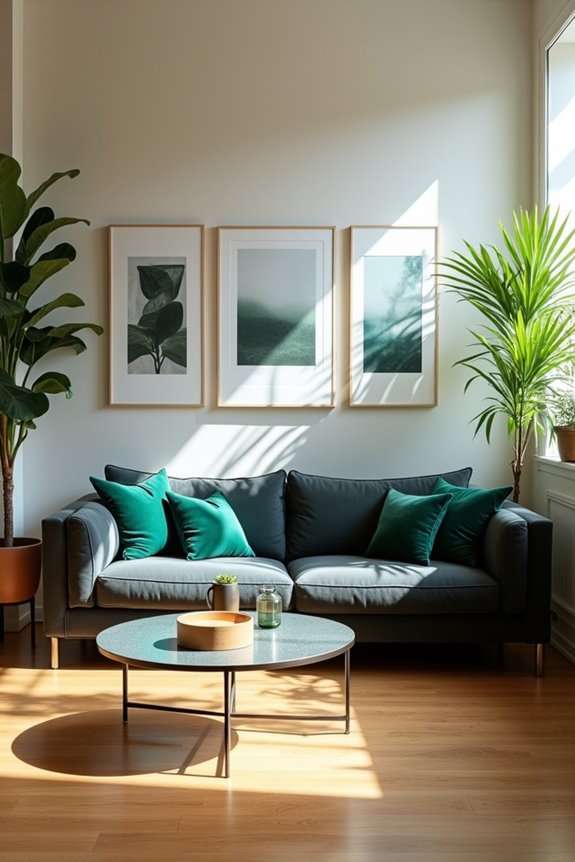
Ever wondered what your living room could look like with just a few clicks?
I upload a single room photo, select my preferred style, and AI interior design tools like RoomsGPT or Canva AI generate renderings instantly. Within minutes, I’m viewing photorealistic designs of my space reimagined. The process is straightforward—no design experience needed.
I use text prompts and style selections to guide the AI, refining outcomes by excluding certain elements or specifying designer-inspired looks. These platforms typically generate two design iterations per prompt, letting me compare concepts side by side. Some tools go further, offering mood boards and inspiration image fusion for deeper exploration.
The advantage? Virtual staging happens in real time. I’m not imagining possibilities anymore—I’m seeing them. Room design concepts materialize before me, making decisions feel grounded in actual visual proof.
See Your Living Room Before and After (Without Moving a Thing)
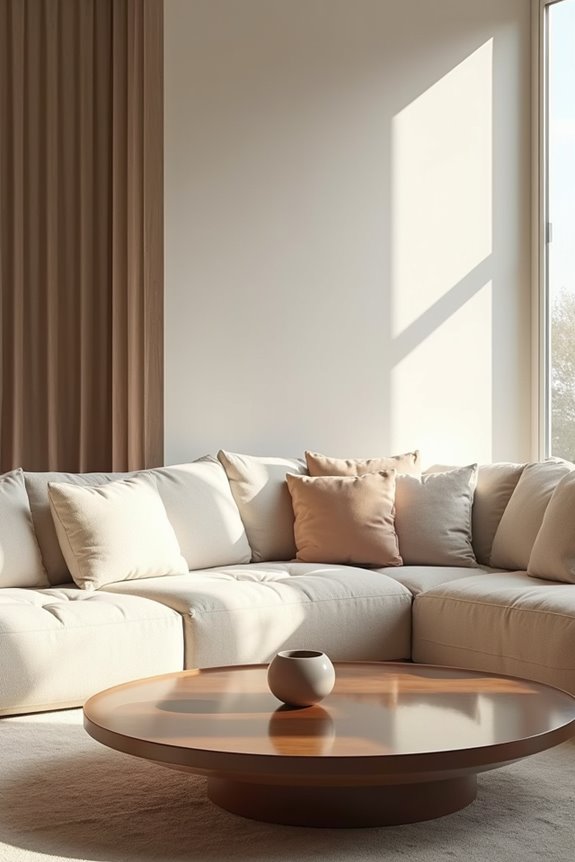
Now that you’ve seen what AI can generate, here’s where it gets really exciting: you can watch your actual living room change across multiple design styles without lifting a finger.
Watch your living room transform across multiple design styles instantly, without lifting a finger.
Upload a photo of your space, and tools like RoomsGPT and VisualizeAI deliver multiple design iterations instantly. You’re comparing different looks side by side on your exact room:
- Visualize furniture and furnishings in real placement without buying anything
- Test design styles like Moroccan, beachy bohemian, or Nate Berkus aesthetics
- See before and after versions that help you choose with confidence
This AI interior design approach lets you experiment quickly. You’ll see how each style reshapes your living room’s vibe, from wall colors to accessories. Room visualization becomes personal, showing you possibilities without commitment. It’s like having a designer’s eye in your pocket, helping you reimagine your space with genuine interest.
Test Multiple Design Styles in Seconds: Find Your Perfect Match
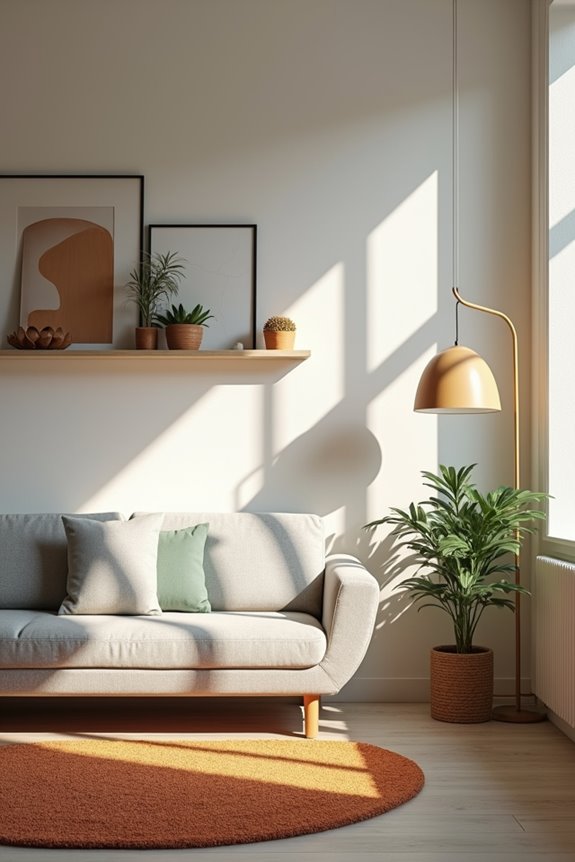
What if you could walk through your living room as a modern minimalist one moment, then as a warm Moroccan retreat the next—all without changing anything?
AI interior design tools make this possible. Platforms like RoomsGPT and VisualizeAI generate multiple design iterations from a single photo, letting you explore different aesthetics instantly. You specify your room type, style preferences, and designer references, then watch as rapid concept images appear before you.
Side-by-side comparisons let you see how various color schemes and furniture finishes affect your space’s mood. Create mood boards across designer-inspired styles without commitment. Canva AI Interior Design helps you experiment within one ecosystem, testing everything from Scandinavian to industrial looks.
This approach removes guesswork from living room decor decisions, helping you discover your preferred design style faster than ever.